Comments
Collaborate with team members through comments and activity tracking
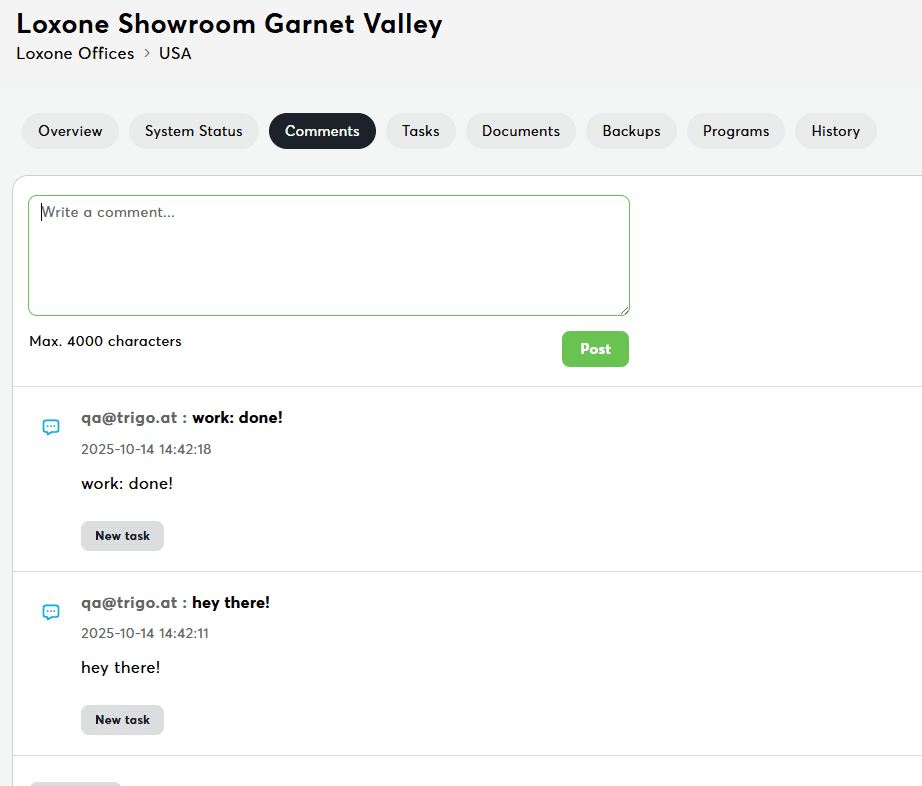
The Comments tab enables team collaboration through comments and activity tracking. This is your central hub for documenting device maintenance, sharing troubleshooting findings, and maintaining an audit trail of device activities.
Adding a Comment
Steps:
- Click "New Comment" button (top of tab)
- Type your comment in text field
- Add context about device issues, maintenance, etc.
- Click "Post" to submit
Best practices:
- Document maintenance activities
- Report issues with context
- Share troubleshooting findings
- Communicate with team about device status
Permissions
| Action | Required Permission |
|---|---|
| View comments | Read device |
| Add comments | Edit device |
| Edit own comments | Edit device |
| Delete own comments | Edit device |
| View activities | Read device |
Related Documentation
- Miniserver Details - Central dashboard
- Tasks - Device-specific task management
- System Status - System messages